
Engineering operations
Make every next action someone's responsibility.
Turn decisions into owned work. A shared action service brings individual requests, meeting actions and recurring responsibilities into one work queue, with history, reminders and team visibility.
- Power Apps
- SharePoint
- Power Automate
- Microsoft 365
THE BUSINESS NEED
Start with the work that needs to improve.
Actions arrive through conversations, email, meetings and recurring obligations. Without a shared register, ownership and deadlines depend on personal follow-up.
One shared task service connects owned actions with reminders, recurring responsibilities and team review.
The system behind the work
See how the work connects.
Choose a business view, follow its path, then see the related project screen.
Working views
Shared action record
Follow-through
Team review
The related project screen
Assign the action
Create an owned action
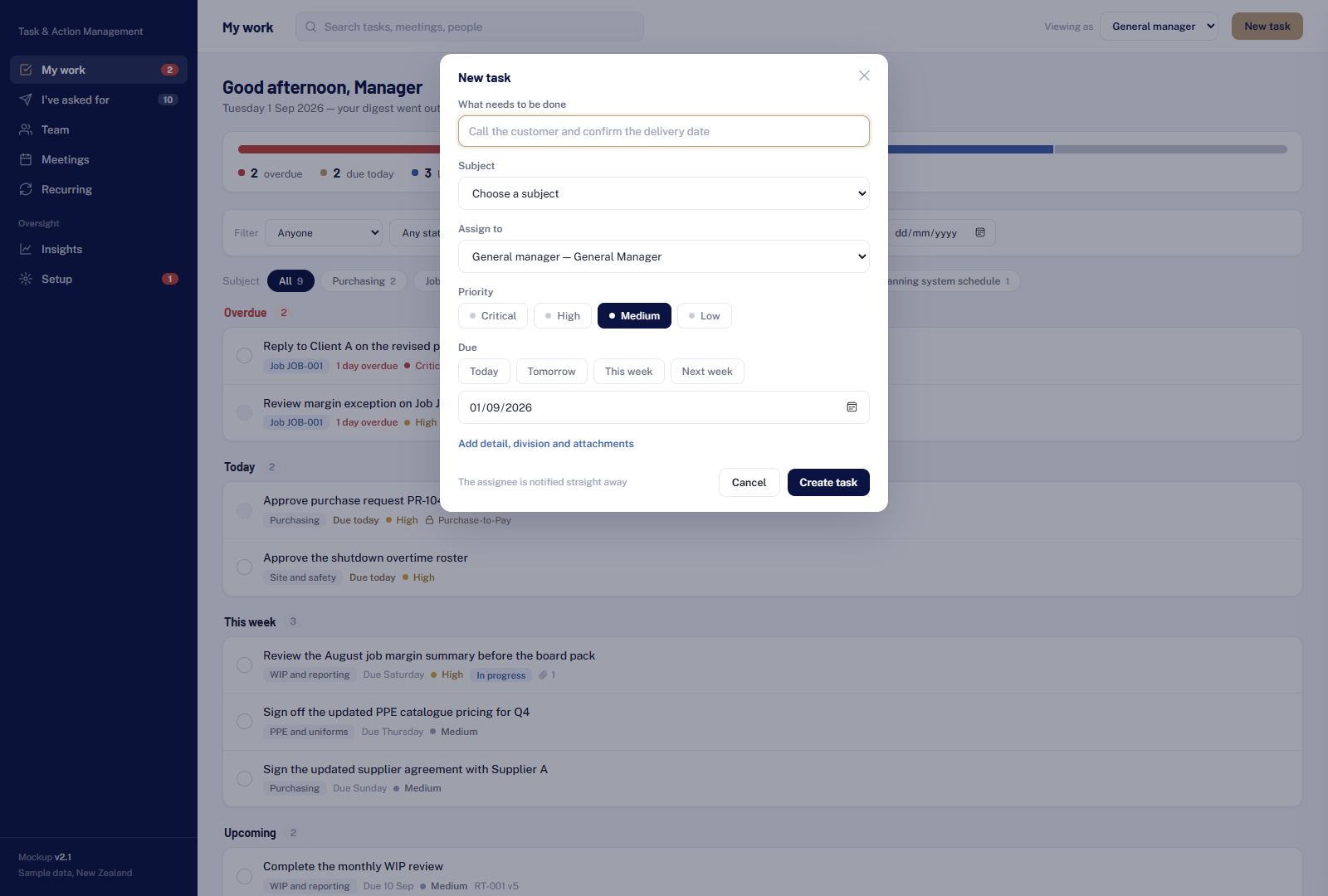
Original project prototype: create an owned action, with sample records.
01 / 04Work the queue
My Work
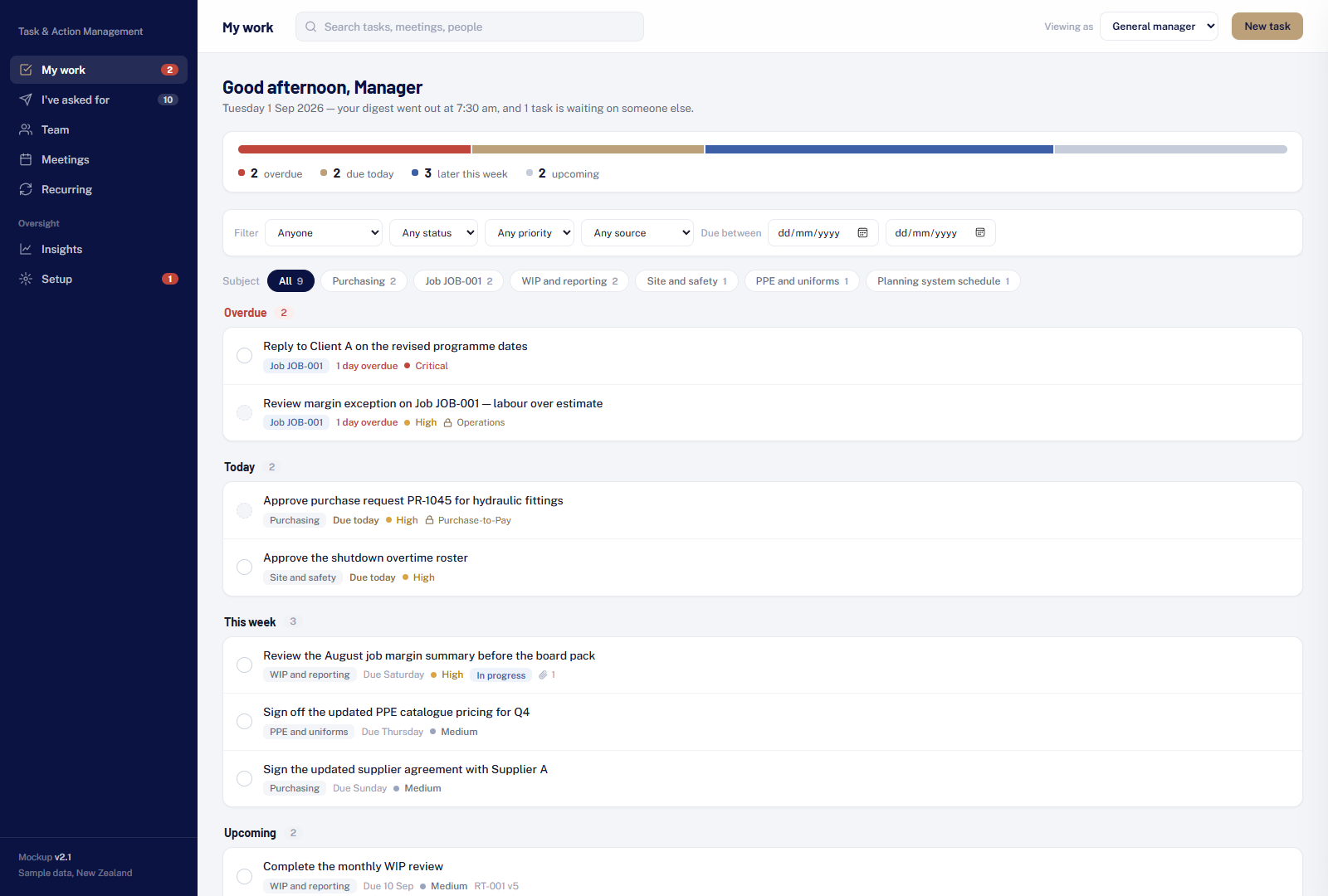
Original project prototype: my work, with sample records.
02 / 04Follow the team
Team workload
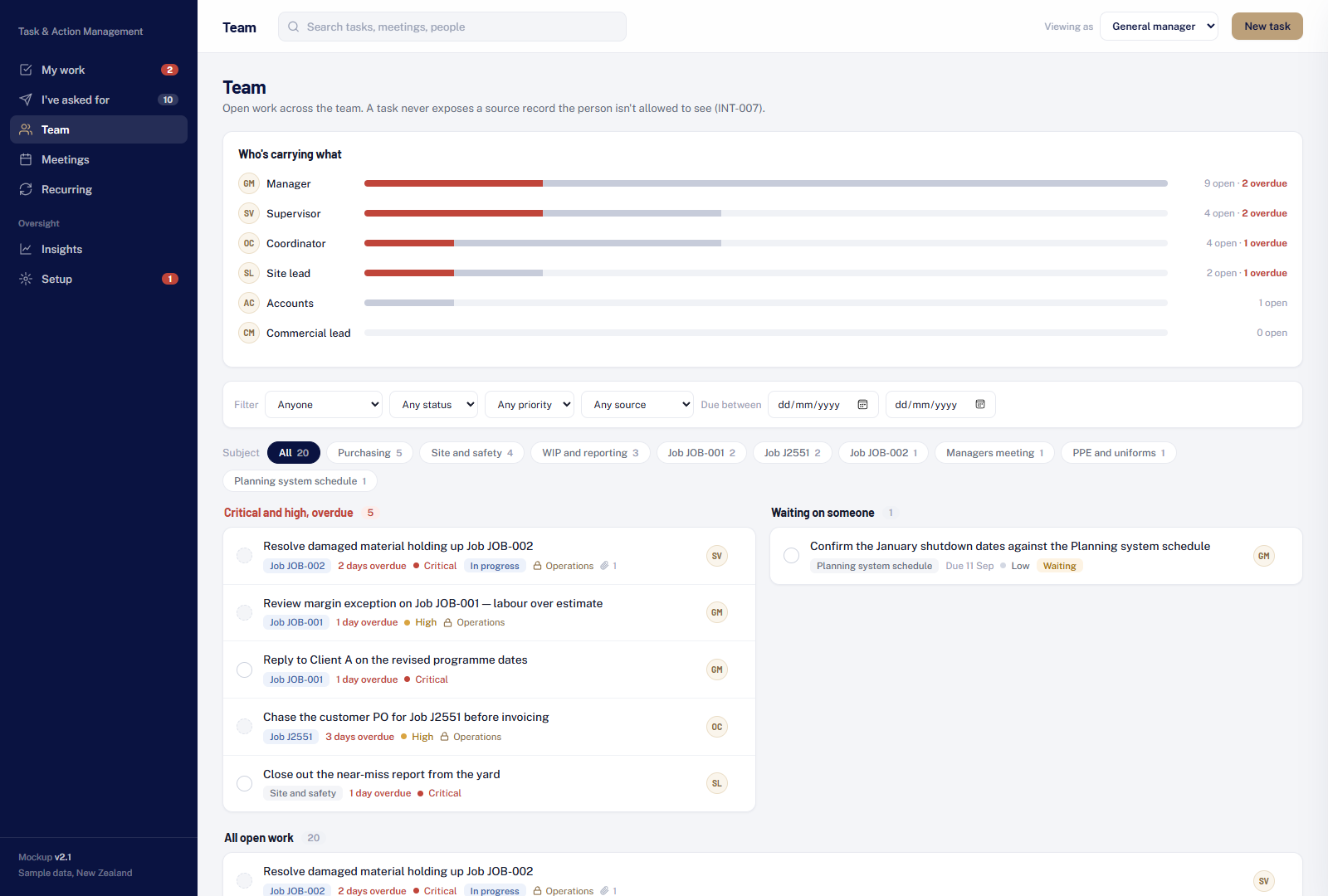
Original project prototype: team workload, with sample records.
03 / 04Review the pattern
Workload and overdue work
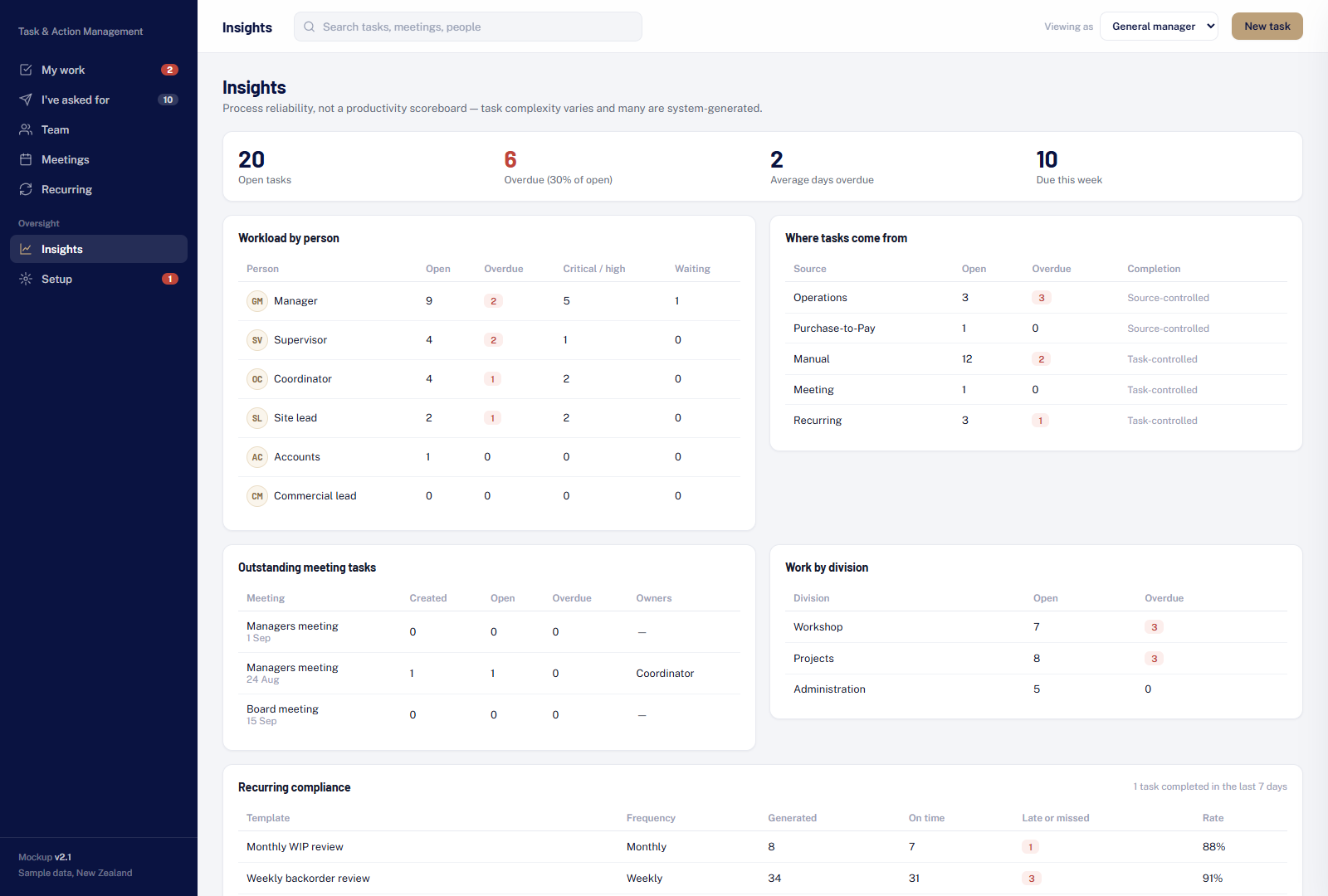
Original project prototype: workload and overdue work, with sample records.
04 / 04FROM ARCHITECTURE TO EVERYDAY WORK
One system. A clearer way of working.
One place to see who owns the next action and when it is due.
What we delivered
- One register for requests, meeting actions and recurring work
- Ownership, history, reminders and overdue escalation
- Personal work, team oversight and in-app insights
Original project prototype with anonymised sample data. The screens explain the workflow; implementation details are supported separately by project records.
Discuss a similar challenge